Account Creation
Register on the Onmeta merchant dashboard to access the platform and manage your integration.
Registration Process
Step 1: Navigate to Registration Page
Go to the Onmeta staging dashboard registration page:
Open Registration Page→Step 2: Complete Registration Form
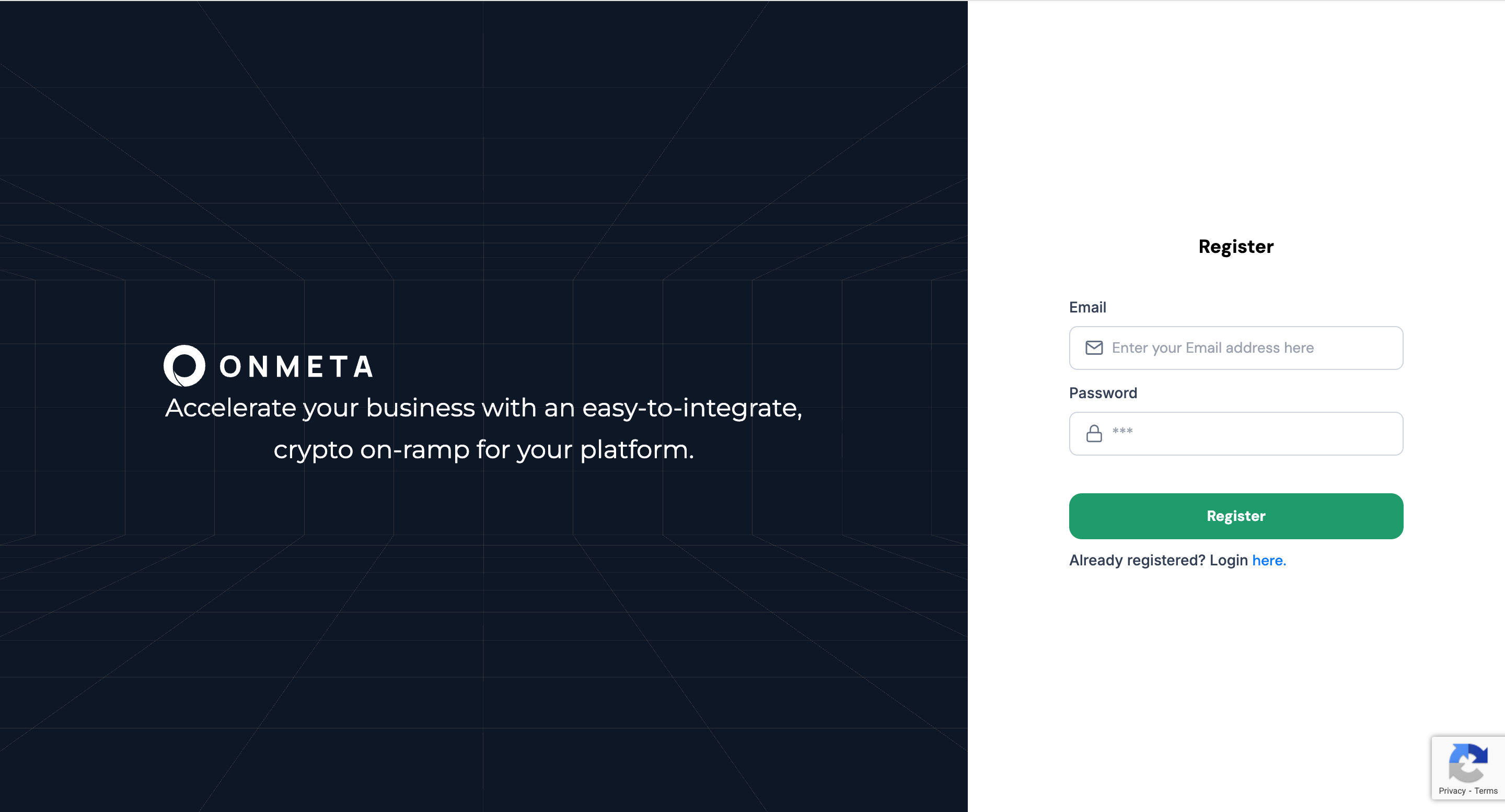
Enter your email address and password in the registration form:
Step 3: Verify Email with OTP
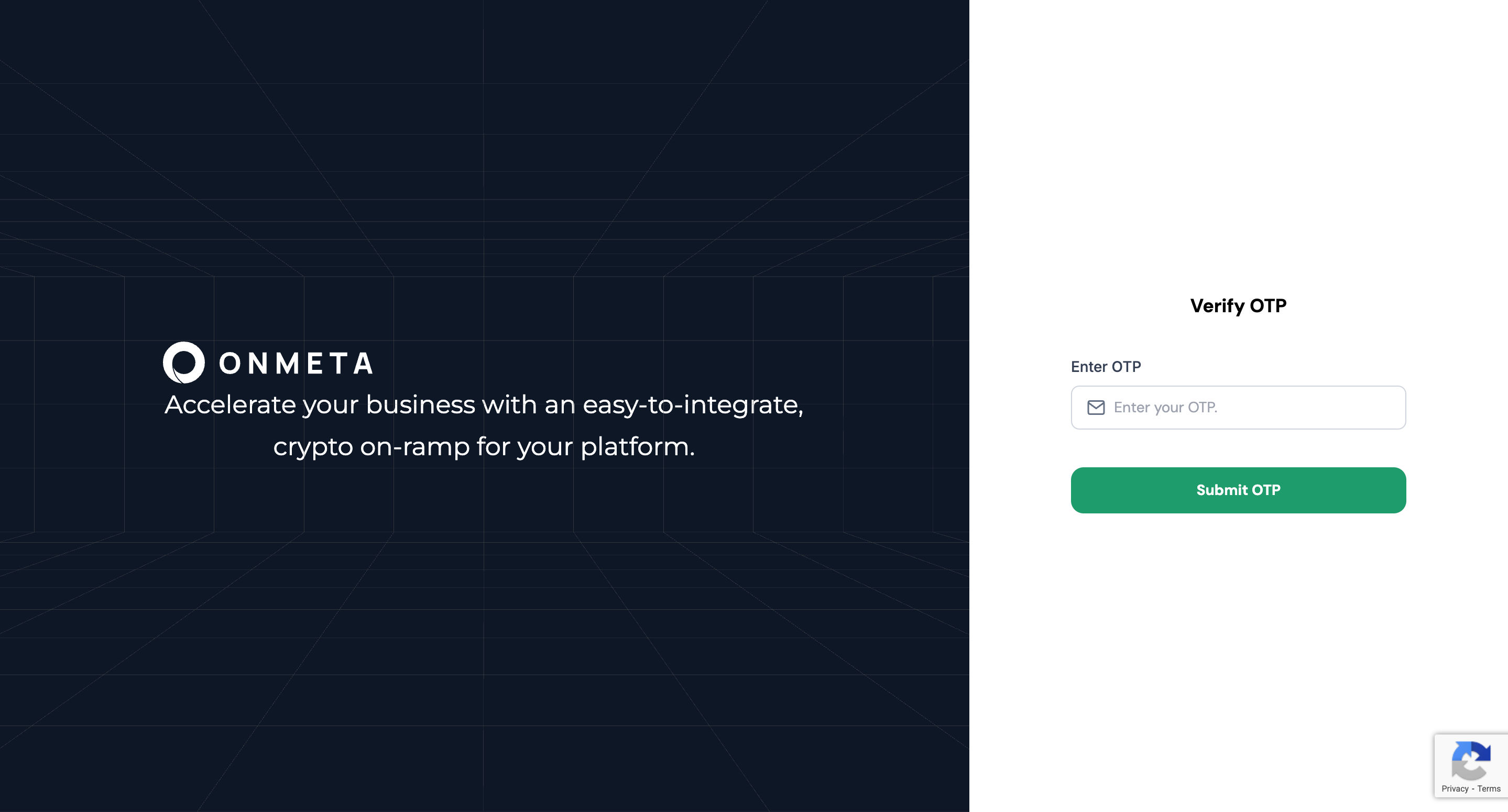
After submitting the registration form, check your email for an OTP (One-Time Password) verification code. Enter the code to verify your email address.
Step 4: Login to Dashboard
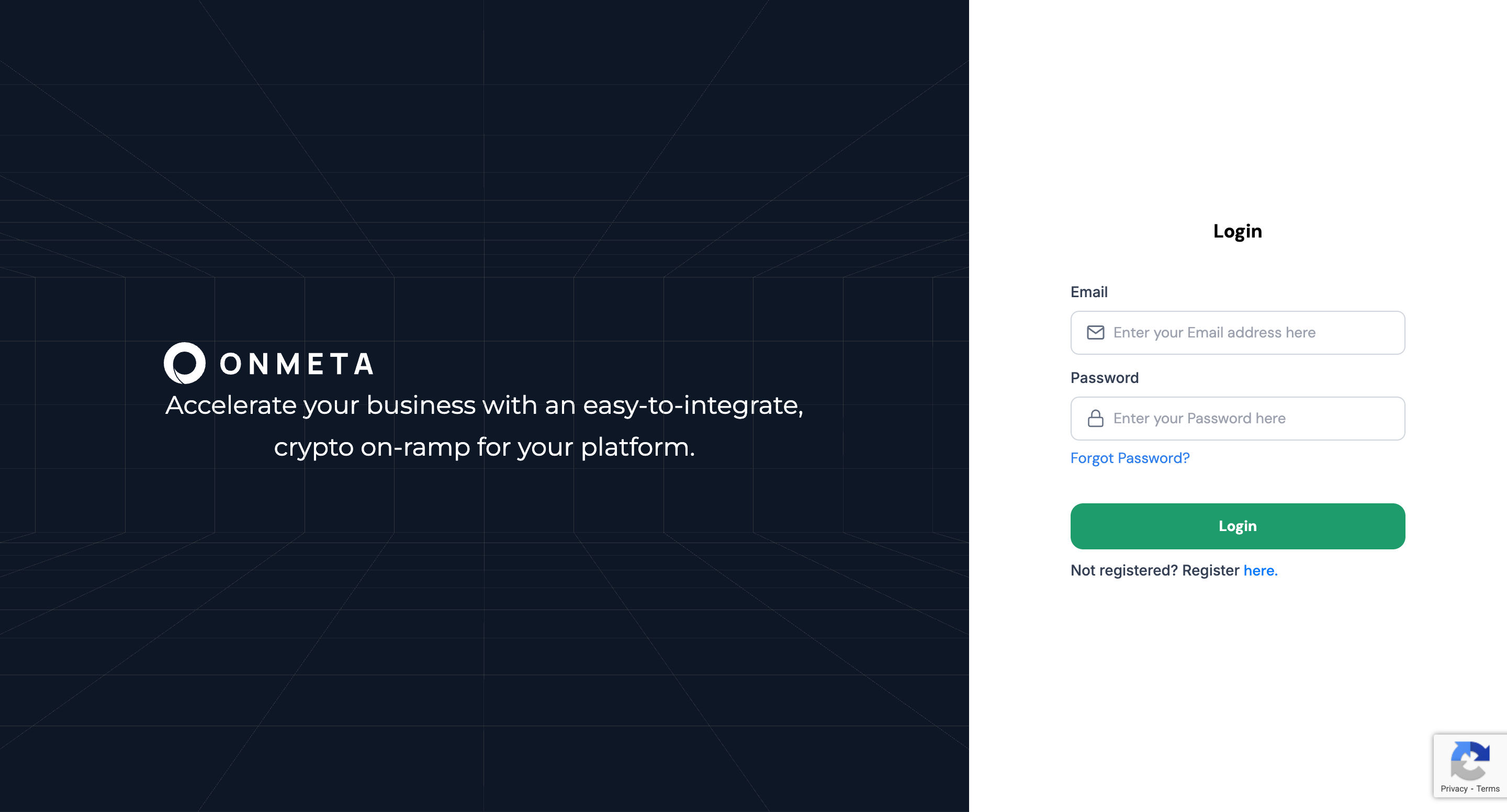
After successful OTP verification, you'll be redirected to the login page. Log in with your registered email and password.
Next Steps
After creating your account, generate your API key:
Get API Key - Generate authentication credentials for widget integration
Before Going Live
Production API access requires your server's outbound IP addresses to be whitelisted by Onmeta. Before launching, share your production server IP addresses with your Onmeta integration contact or email support@onmeta.in. API calls from non-whitelisted IPs will be rejected in production.