🔔 KYC Webhook Configuration
Configure webhook callbacks to receive real-time updates about KYC verification status changes.
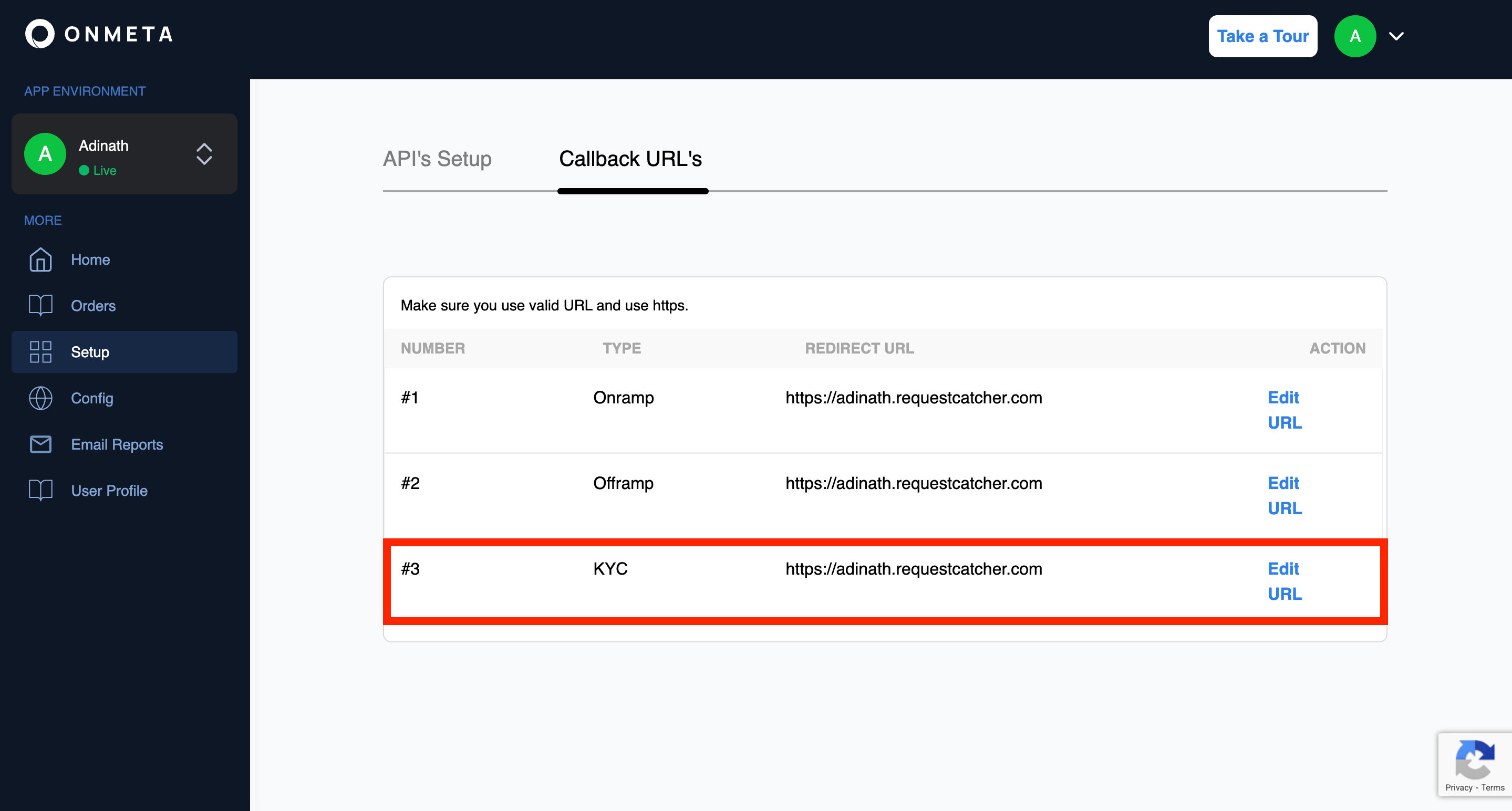
Setup Callback URL
Configure webhook callbacks in your dashboard to receive real-time KYC status updates:
Navigation: Dashboard → Setup → Callback URL's
Webhook Events
Your callback URL will receive events for:
KYCInitKYC Initialized
When user starts KYC process
DigiLockerCompletedDigilocker step is completed
When user completed digilocker step
Face matchedFace is matching with aadhaar
When selfie matching with aadhaar
Face not matchedFace not matching with aadhaar
When selfie not matching with aadhaar
Liveliness check successLiveliness check is success
When liveliness check is successful
Liveliness check failedLiveliness check is failed
When liveliness check is failed
KYCCompletedKYC completed
When verification succeeds
KYCFailedKYC Failed
When verification fails
Sample Webhook Payload
{
  "success": true,
  "message": "KYC Initialized",
  "createdAt": {
    "$date": "2026-07-30T19:57:27.830Z"
  },
  "email": "xxxxx@xxxx.xxx",
  "webhookUrl": "xxxxx",
  "tenantId": "xxxxxxx",
  "eventName": "KYCInit"
}
The eventName field will contain one of the event codes listed above (e.g. KYCInit, KYCCompleted, KYCFailed, etc.).